Understanding Network Devices
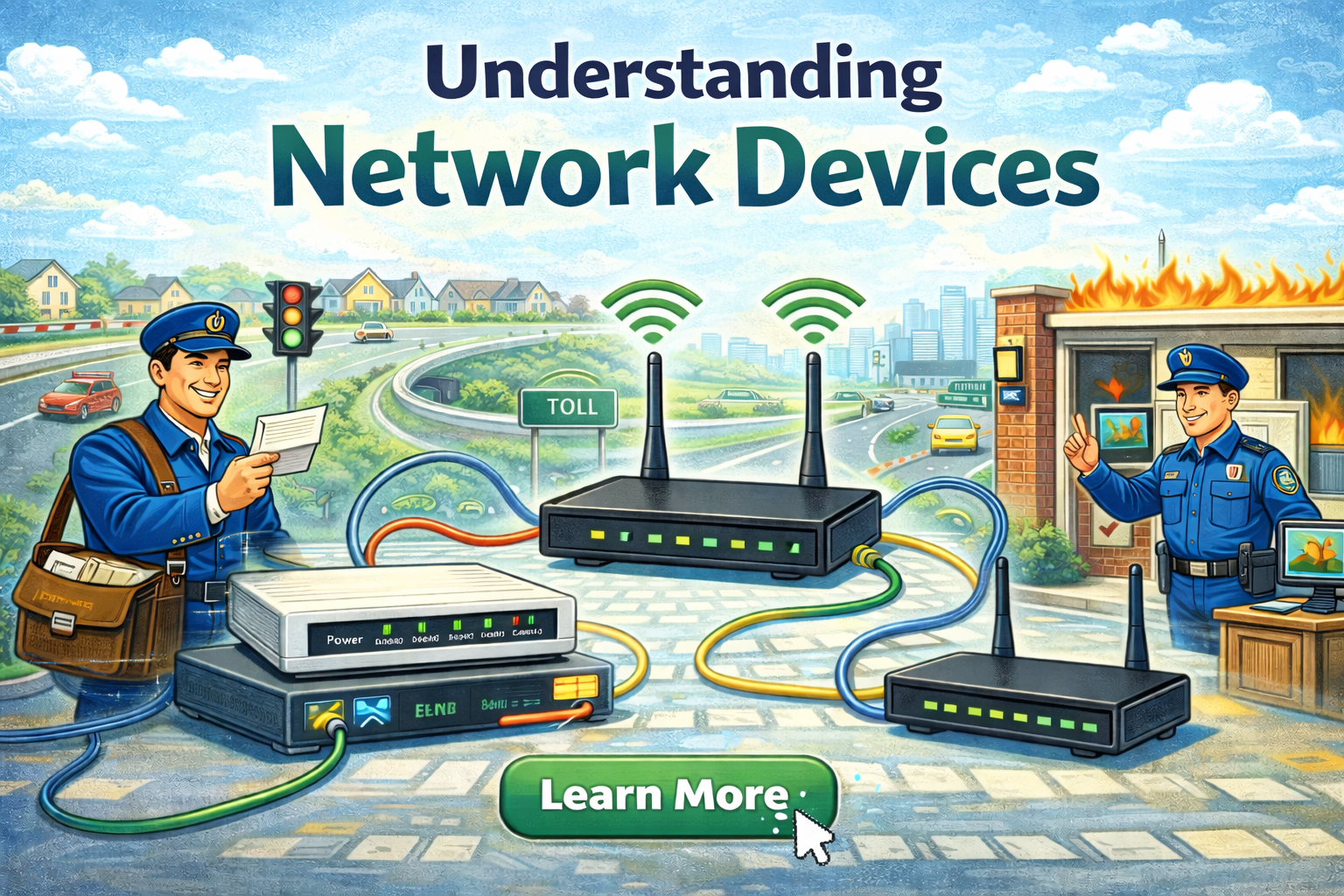
As a internet user (which almost everyone is), we uses internet through out the day for our person or professional tasks, but have you ever wonder how the internet reaches from the server to you laptop, computer or any other device?
Behind every request to a website, there is a long chain of big infrastructure which is responsible to transfer data from servers to your devices faster and without any data loss.
The core building blocks of network in simple way:
Modem
Router
Switch or Hub
ISP
Firewall
Load Balancer
Let’s understand this using real world analogies.

Modem
Assume you live in a society on the highway. You have to travel to a different city in your car. In order to connect outside the society you have to came out of the society gate. So, here the gate is something connecting your society to the outside world.
Modem is a short form of Modulator/Demodulator. The Modem connects your local network to the Internet Service Provider (ISP). The ISP sends a signal which modern computers won’t understand. So it converts the signal from ISP signal → data and vice versa.
Connects to ISP’s
Responsible of bring internet to your home/office
Converts appropriate signal for data transmission
Router
Now, let’s say you have traffic policeman on the roads of the society to manage the vehicles coming from different directions. As per the directions, the drivers should know who should go next and in what direction.
Router works as a traffic director to control the flow of data to the correct devices.
Creates a Local Area Network (LAN)
Assign local IP’s to the devices
Decides which data packets should go to which device
Provides internet to all devices connected
Connected devices → internet and also devices ↔︎ each other
Router is also know as Post Office in some examples as it is responsible of the destination of data packets.
Router vs Modem
You might get confuse between these two as now a days, the blinking box in our homes usually contains both router and modem.

Modem use to connect to internet, whereas router is used to create a network locally.
To connect to the internet, modem can works independently of router. In older days, modem can be connected to the device using wired but only one device can be connected. That’s why in order to connect multiple devices you need to create a network.
Modem decode and encode the signal from analog (ISP supported signal) to digital (our devices) whereas router will only route those data signal packets to the destination.
Switch and Hub
Switch and Hub does the same job but there is a reason why Hub is not used nowadays. Both are responsible for transmitting the data to device. Hub brodcast the data to all devices whereas the switch sends the data to only the actual destination device.
In the real world analogy, Hub is postman who reads your letter loudly in front of all the peoples in you society 😀, but Switch is a smart postman who only delivers the letter to your house.

Hub:
Brodcast to everyone
Everyone receives everything
Slow speed and Collision
Less Secure
Switch:
No unnecessary traffic
Faster
Secure
Uses MAC address table
MAC address is a unique idenification number on a LAN, which is used to send data to the correct device in a local area network. It’s like a apartment in a building.
Internet Service Provider (ISP)
ISP is a company/organisation which is responsible to provide the internet by establishing infrastructure of wires / wireless technologies such as cables or satellites.
We can assume ISP as a company which build the highway, so that we can connect to the other places / societies outside.
Firewall
When someone entered in your society, there will always be a security guard on the society gate which confirms the details and allows or reject the person to enter in the society. Also, there should not be any suspicious thing they are carrying in the vehicle.
Firewall is responsible for allowing what traffic is allowed and what should blocked.
Blocks malicious attacks
Allow only specific protocols/rules
Protects severs and devices
Firewall can on server or router level.
Load Balancer
When you drive on the highway, you have seen the toll booths on the highway. When the traffic starts increasing, it’s impossible to handle it from a single booth. That’s why there are multiple booth to split traffic to make the process faster.
Same in the software engineering, when there is single server the load goes to the single server. Load Balancer is used to divide the Internet traffic to the healthy server.
Manage load from the client
Increase system uptime
Prevent overloading on a single server
A real world networking architecture
Below is the visual representation of networking architecture, how the data flows and the devices responsible for connecting our devices to the internet.

Hardware relevant to the backend systems
There are so many articles related to the network devices, but mostly go deep inside the Networking. As a backend engineers, let’s understand how the backend system has a similar concepts just like network devices.
Modem: There should be a boundary between the backend server and the internet. A backend services should not talk to internet directly. It should have a controlled way of connecting externally, same way the modem works.
Route: Each backend service has multiple routes. It define that if client has call a specific route, the server will only go to that specific route based on the destination.
  /api/sign-in
  /api/sign-up
  /api/sign-out
It’s like a routing in softwares.
Switch: Inside the systems, a service should not brodcast to everyone. This may make the system slow and insecure. The service should only request to, which owns the data.
Think like switch, not a hub.
Firewall: Security is not a thing which can be optional. Security is a necessity.
The backend systems also have securities in multiple ways. It can be in the form of validations, authentication and authorization, block malicious HTTP traffic, monitoring and other secured ways.
Load Balancer: It is one of the important concept in handling the traffic in the scalable application servers. You can never scale with a big server instead of adding multiple servers.
Conclusion
Understanding networking concepts in an important part of the software and backend development, which helps the engineers to:
Design scalable backend systems
Debug network issues
Understand:
CORS
Proxies
Gateways
Reverse proxies
CDN
Build production-grade architecture

