Exploring DNS Resolution: Key Processes and Useful Commands
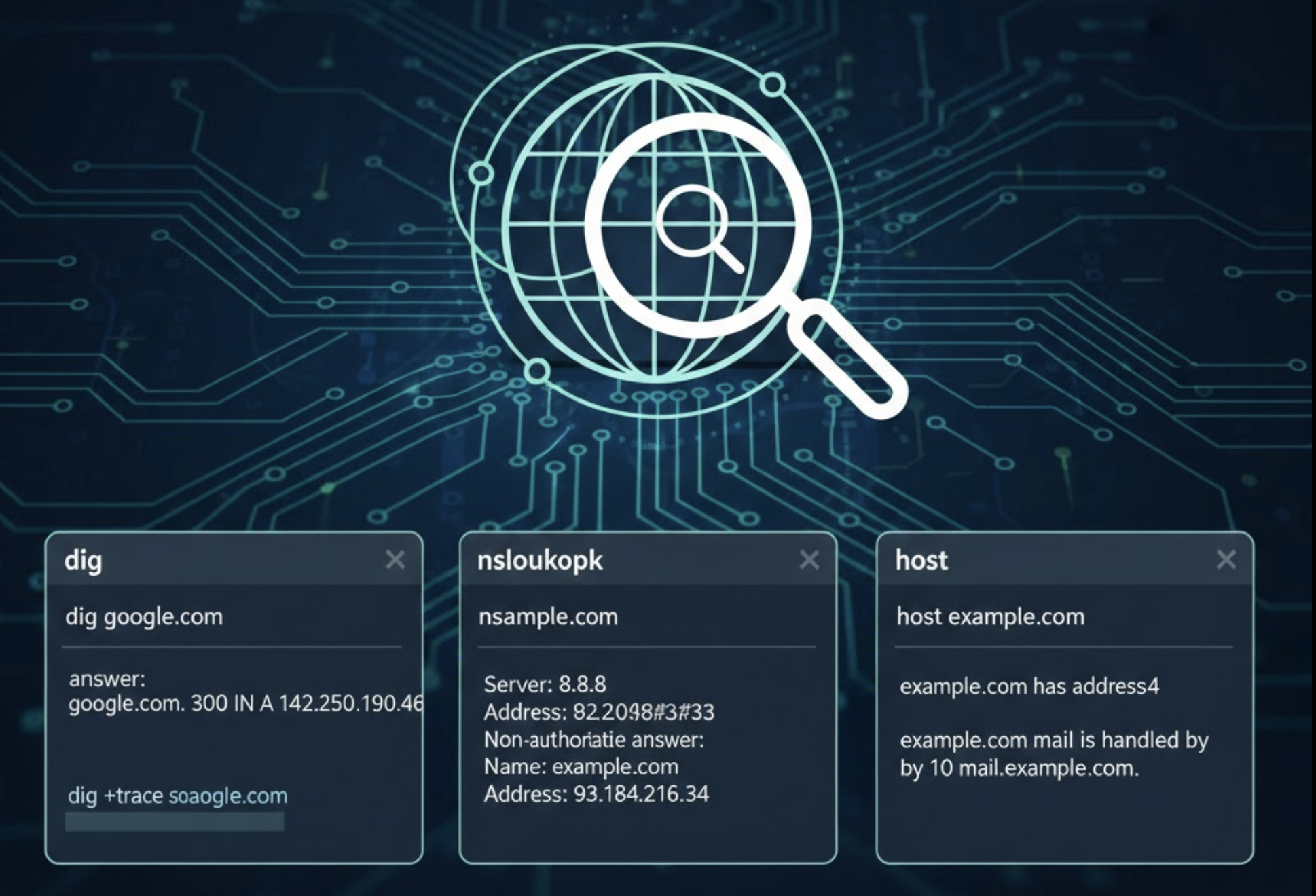
What is DNS and why name resolutions exists?
DNS is a phone book of internet which consist of records of the domain and their IP addresses. Humans can remember the names but computer won’t understand what domain name is.
Here the DNS comes into the picture. Whenever you enters some website address in the browser, the browser ask DNS for the IP address of where the site has been hosted.
Without DNS:
You have to remember the IP addresses of every websites.
Changing server IP’s can break the internet.
So DNS provides the flexibility (IP changes, domain name stays same) and Scalability (a large number of domains).
If you want to read more about DNS and DNS records from here.
DNS hierarchy
As we know the is a process of multiple servers combine to get the DNS record of a domain, there is a server defined to return some specific value to get the final IP address.
The DNS resolution flow as below:
Root Server → TLD → Authoritative Servers → Final Answer.
  Root (.)
    |--- TLD (.com, .dev, .in etc..)
          |-- Domain (ashishkumarsaini.dev)
                |-- Subdomain (blog.ashishkumarsaini.dev)
It is just like a tree like structure.
What is dig command?
dig stand for Domain Information Groper. It is also known as the X-ray machine for the DNS. It is used for checking the DNS records and debug DNS related issues.
dig will also displays all the DNS type records (A, AAAA, CNAME, MX, TXT). Also it just won’t display the returned IP from the DNS but instead, which server has replied, what record has been returned, the chain of servers involved and the time taken as well.
Diagnostic capabilities:
Can measure performance
Ensure the correct propagation of DNS records
Can trace resolution path
Understanding dig commands
dig . NSThis command will be used to display the root of the internet i.e. root servers. We can see the servers like:
  ;; ANSWER SECTION:

  .                 424441     IN     NS     a.root-servers.net.
  .                 424441     IN     NS     b.root-servers.net.
  .                 424441     IN     NS     c.root-servers.net.
                                              .
                                              .
                                              .
  .                 424441     IN     NS     m.root-servers.net.
These are the 13 root servers. They don’t knows the IP address of the domain instead they only knows who can handle the
.org,.dev,.com,.infoetc.These are also known as the index of internet.
dig dev NSAs the command itself explains, it is used to display the NS records of .dev domains, which means the TLS servers.
  ;; ANSWER SECTION:
  dev.                21600        IN        NS        ns-tld5.charlestonroadregistry.com.
  dev.                21600        IN        NS        ns-tld2.charlestonroadregistry.com.
  dev.                21600        IN        NS        ns-tld4.charlestonroadregistry.com.
  dev.                21600        IN        NS        ns-tld3.charlestonroadregistry.com.
  dev.                21600        IN        NS        ns-tld1.charlestonroadregistry.com.
They don’t know ashishkumarsaini.dev DNS records, but they knows the record for the Authoritative Server which can handle the IP address of a website.
Thats why TLD’s are the index of domain inside a zone.
dig google.com NSThis command is use to display the Authoritative Servers for the domain name provided (
google.com in this case).It actually knows the IP address of any domain. That’s why known as final source of truth.
Lets take and example of
ashishkumarsaini.dev. So when the domain has been purchased, the domain provider has already configured name-servers as:
Lets run the command
dig ashishkumarsaini.dev NS, you will get the final output.;; ANSWER SECTION: ashishkumarsaini.dev. 86400 IN NS ns2.dns-parking.com. ashishkumarsaini.dev. 86400 IN NS ns1.dns-parking.com.dig google.comThis command shows the final result, but the DNS resolver has walked the whole tree and done the full resolution.
What happen when you enters this command?
Your system asks a recursive resolver (ISP / Cloudflare / Google DNS)
If not cached, resolver asks:
Root servers → “Who knows .com?”
TLD servers → “Who knows
google.com?”Google’s NS → “What is the IP of
google.com?”
Resolver returns final IP to you
How Recursive Resolvers uses this chain
Your browser never talks to root or TLD directly. It talks to IP address. They:
Cache everything
Do the heavy walking
Only repeat the full process if cache is expired (TTL)
So DNS is Fast because of caching, scalable because of hierarchy.
Mapping dig command to DNS layer
| Command | What you are inspecting |
dig . NS | Root Layer |
dig com NS | TLD Layer |
dig google.com NS | Authoritative layer |
dig google.com | Final resolution |
Conclusion
Using dig we just not only query the record but instead we just done a full process of DNS resolver and then we got the IP address displays.

